Skip to content
TamerlanKg
  • Printer Paper Jam
  • Printer Offline
  • Printer Not Printing
  • Printer in Error State
  • Printer Driver Unavailable
  • Print Queue & Spooler Problems
TamerlanKg
  • printer offline fix
    Printer Offline

    Printer Offline Fix: 9 Steps to Get It Back Online

    April 20, 2026April 23, 2026

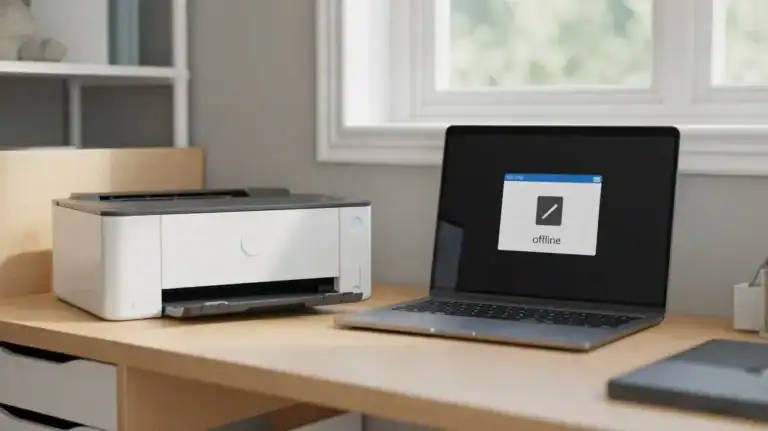
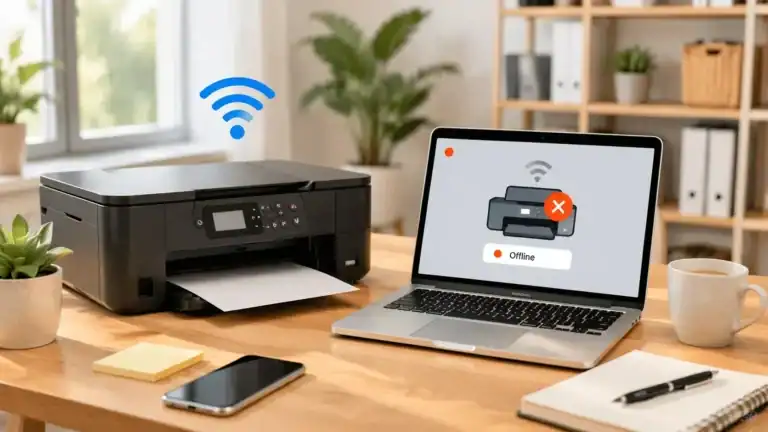
    If your printer says offline, the goal is simple: get it talking to your computer again. This guide is built for that one job. It is not a long explanation of what “offline” means. It is a practical, beginner-friendly printer offline fix you can work through in order. Start at Step 1 and move down….
    Read More Printer Offline Fix: 9 Steps to Get It Back OnlineContinue

  • printer in error state
    Printer in Error State

    Printer in Error State: Meaning, Causes, and Fixes

    April 20, 2026April 24, 2026

    If your printer says printer in error state, it usually means your computer can see the printer, but something is stopping normal printing. That “something” can be simple, like low paper or an open cover. It can also be a connection problem, a Windows printer status problem, a stuck print job, or a driver issue….

    Read More Printer in Error State: Meaning, Causes, and FixesContinue

  • printer queue stuck
    Print Queue & Spooler Problems

    Printer Queue Stuck: How to Clear It

    April 20, 2026April 24, 2026

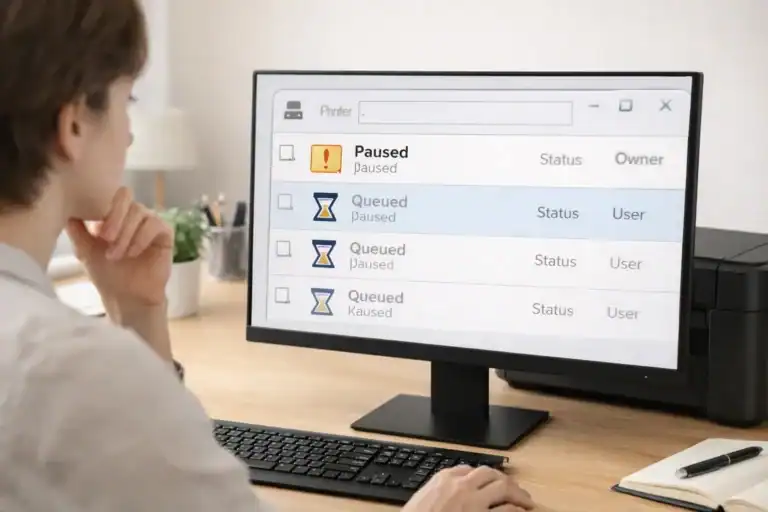
    When your printer queue is stuck, one blocked job can hold up everything behind it. You may see a document sitting on “Printing,” “Queued,” “Deleting,” or “Error,” while newer files never move. This guide focuses on that exact problem. It is about a stuck print queue, blocked print jobs, and spooler-related fixes. It does not…

    Read More Printer Queue Stuck: How to Clear ItContinue

  • how to fix a printer paper jam
    Printer Paper Jam

    How to Fix a Paper Jam in a Printer

    April 20, 2026April 23, 2026

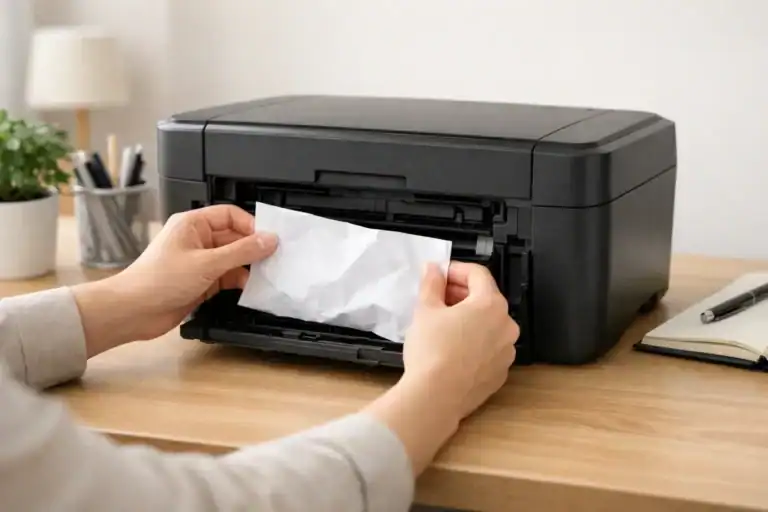
    A printer paper jam is frustrating, but in many cases, you can clear it at home without damaging the machine. The key is to work in the right order. Do not start yanking paper from the first spot you see. A careful paper jam fix is usually safer and faster than forcing the sheet out….

    Read More How to Fix a Paper Jam in a PrinterContinue

  • Printer Driver Is Unavailable
    Printer Driver Unavailable

    Printer Driver Is Unavailable: What It Means and How to Fix It

    April 19, 2026April 28, 2026

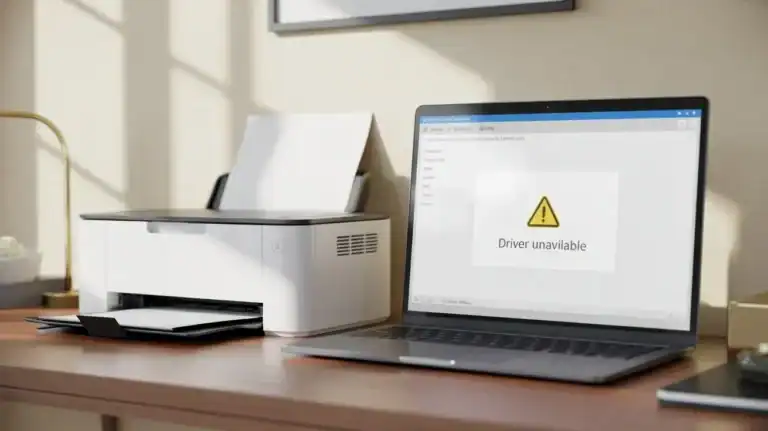
    If you see the message ” Printer driver is unavailable, Windows can usually see your printer, but it cannot use a working driver for it. A printer driver is the software that helps your computer communicate with the printer. If that driver is missing, damaged, outdated, or not compatible with your version of Windows, the…

    Read More Printer Driver Is Unavailable: What It Means and How to Fix ItContinue

  • Printer Not Printing
    Printer Not Printing

    Printer Not Printing? Common Causes and How to Fix It

    April 19, 2026April 24, 2026

    If your printer is not printing, the cause usually falls into one of three groups: the printer itself, the connection between the printer and your device, or the print job and software settings. The fastest fix usually comes from narrowing the problem down before you start changing settings or reinstalling anything. This page is the…

    Read More Printer Not Printing? Common Causes and How to Fix ItContinue

  • why does my printer say offline
    Printer Offline

    Why Does My Printer Say Offline?

    April 19, 2026April 23, 2026

    Why does my printer say offline? In simple terms, your computer thinks it cannot talk to the printer properly right now. That does not always mean the printer is broken. In many cases, the printer is turned on and looks ready, but something in the connection, queue, settings, or software is stopping your computer from…

    Read More Why Does My Printer Say Offline?Continue

Page navigation

Previous PagePrevious 1 2 3 4

© 2026 TamerlanKg

  • About TamerlanKg
  • Contact
  • Disclaimer
  • Privacy Policy
  • Terms & Conditions
Scroll to top
  • Printer Paper Jam
  • Printer Offline
  • Printer Not Printing
  • Printer in Error State
  • Printer Driver Unavailable
  • Print Queue & Spooler Problems