What Does Printer Offline Mean?

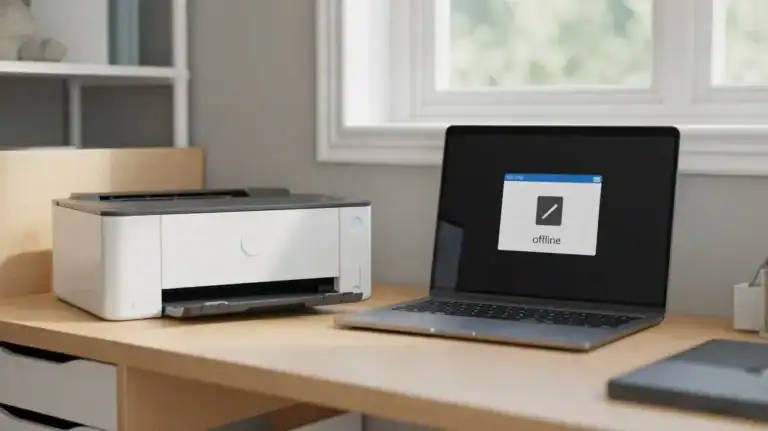
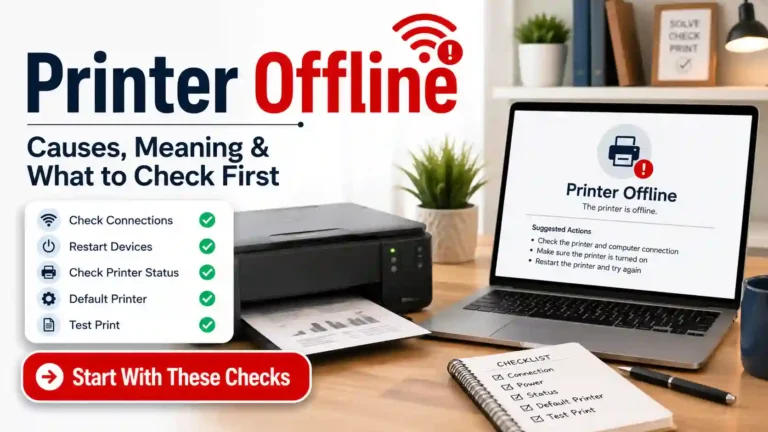
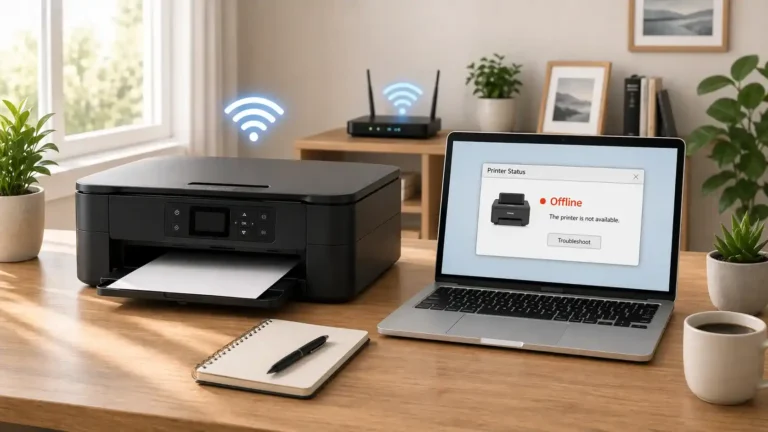
When your printer shows offline, it usually means your computer, phone, or tablet cannot properly communicate with the printer at that moment.
That is the simple version of what does printer offline mean
The important part is this: offline does not automatically mean your printer is broken. In many cases, the printer is still powered on and may even look normal. The problem is often that the device sending the print job cannot reach it the way it expects to.
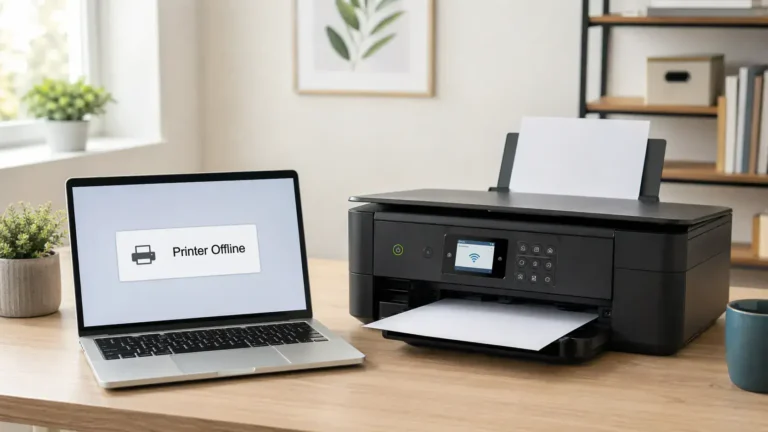
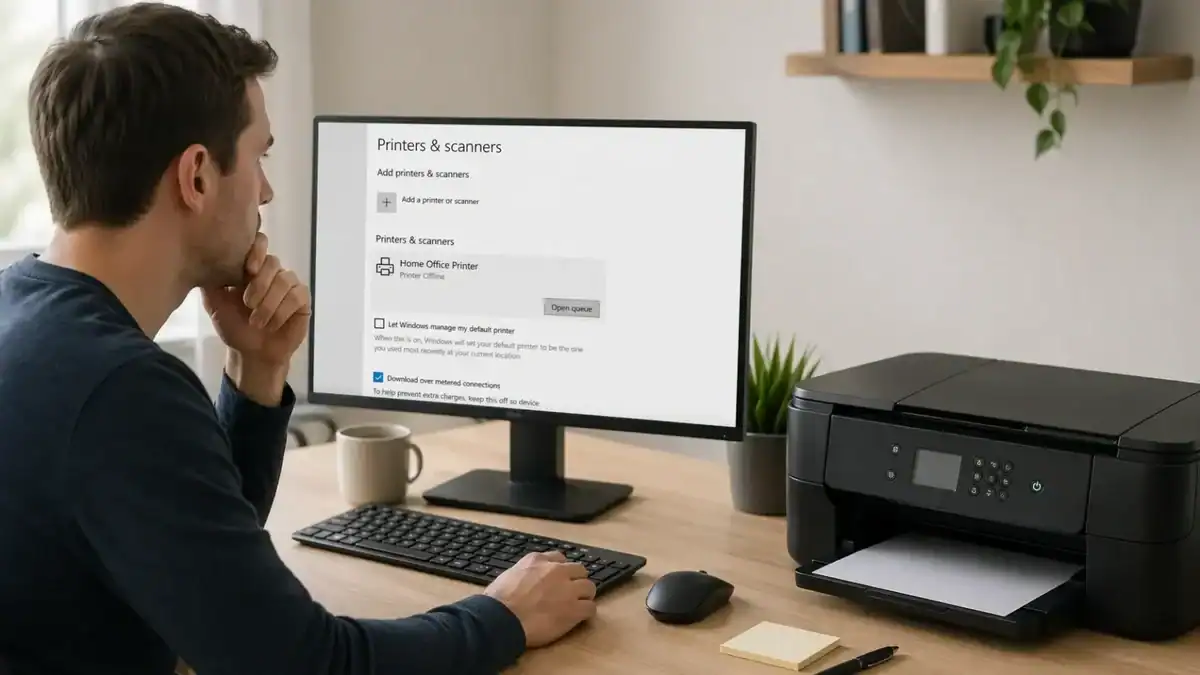
This is why the message can be confusing for beginners. A printer can be sitting right in front of you, turned on, connected to Wi-Fi, and still show ” Printer Offline ” on your computer.
If you are asking why my printer is offline, this page is meant to help you interpret the status first. It explains what the offline message means, what it does not mean, and how to choose the most likely next troubleshooting path without turning the page into a full repair guide.
Table of Contents
What “Printer Offline” Means
Printer offline is a status message. It usually means the printer is not available for printing from the device you are using.
In plain English, your device is saying: “I cannot send this print job to the printer normally right now.”
That communication problem can happen for different reasons. The printer may be off, disconnected, asleep, on the wrong Wi-Fi network, paused in the queue, set to offline mode, or having a software or driver issue.
So if your screen says the printer is offline, the message is not a final diagnosis. It is a clue that tells you where to start looking.
What It Does Not Mean
The offline status is often misunderstood. It does not automatically mean the printer is damaged, permanently disconnected, or beyond repair.
It also does not always mean the Wi-Fi is completely down, the driver is missing, or the printer has a hardware fault.
Sometimes the issue is on the computer side, not the printer side. Sometimes, only one device sees the printer as offline while another device prints normally. That usually points to a local setup problem instead of a total printer failure.
What the Offline Status Is Actually Telling You
The printer is not reachable from your device
This is the most common interpretation. Your computer cannot find the printer the way it expects to, either through USB, Wi-Fi, Ethernet, or saved printer settings.
The printer is reachable, but not ready to receive jobs
The printer may be turned on, but something is interrupting normal printing. A stuck print job, paused queue, offline setting, or software problem can cause this.
Your device may be looking at the wrong printer entry
This happens more often than people realize. Your computer may have more than one saved version of the same printer, or it may be trying to send the job to an old printer profile that is no longer active.
The problem may only affect one device
If the printer works from one laptop but not another, the printer itself may be fine. The offline status may only reflect a problem on one computer.
The Most Common Ways to Interpret “Printer Offline”
The printer is on, but your computer cannot see it properly
This is common with wireless printers. The printer may be powered on and connected somewhere, but your device is not reaching it correctly.
The printer says offline, but is connected
This usually means the physical connection is not the whole story. A printer can be connected to power and still show offline because of a network mismatch, queue problems, or software issues.
The printer is connected to Wi-Fi, but not the same Wi-Fi as your device
This is one of the easiest misunderstandings. A printer may be on a guest network, an old router, or a different access point than the device trying to print.
The printer queue is blocking normal printing
The print queue is the list of jobs waiting to print. If one job gets stuck, everything behind it can also stop working properly. In some cases, this makes the printer appear offline even though the real problem is the queue.
The computer has put the printer into an offline state
There are situations where the printer itself is fine, but the computer has it set to Use Printer Offline or is still trying to use an outdated printer profile.
The driver or printer software is no longer syncing correctly
Drivers help your device talk to the printer. If that connection becomes outdated, corrupted, or mismatched, the printer may show as offline even though it is physically available.
What “Printer Offline” Usually Means in Common Situations
The printer is offline, but turned on
This usually means power is not the issue. The next place to look is communication. Check whether the printer is connected to the correct network, cable, or device path.
Printer says offline, but is connected to Wi-Fi
This often means one of three things: the printer is on the wrong network, the device cannot reach it properly, or the saved printer setup on your computer no longer matches the printer’s current connection.
The printer shows offline on one computer only
This is a strong sign that the problem may be local to that device. The printer may still be online for everyone else. In that case, think about settings, saved printer entries, driver issues, or queue problems on that one computer.
The printer is offline and not printing anything at all
In this case, the offline status may be part of a larger issue. The printer could have a connection problem, a software problem, or another error that is stopping all new jobs from reaching it.
Best Diagnosis Order Before You Try Random Fixes
First: check the simple connection picture
Ask yourself: Is the printer turned on? Is it connected by USB, Wi-Fi, or Ethernet? If it is wireless, is it on the same network as the device sending the print job? If the answer is unclear, start there. Many cases of a printer showing offline come down to a basic connection mismatch.
Second: find out whether the problem affects one device or all devices
Try printing from another computer or phone if one is available. If the printer works elsewhere, the printer is probably not fully offline. The problem is more likely with the first device. If the printer fails everywhere, the printer or network connection becomes the stronger suspect.
Third: look at the printer status and queue
Check whether print jobs are stuck, paused, or building up. Also, check whether your computer is using the correct printer and not an older saved version. Sometimes printer offline really means “this print path is confused” rather than “the printer is gone.”
Fourth: think about software and driver issues
Only after the first three checks should you move toward driver or software explanations. These problems do happen, but beginners often jump there too early. A good rule is to start with power, connection, and queue before assuming the system needs reinstalling.
Printer Offline vs Similar Printer Problems
Printer offline vs printer not printing
A printer can be online and still not print. For example, it may have low ink, a paper problem, or a document-specific issue. A printer offline message is more about communication and availability.
Printer offline vs printer in error state
An error state usually points more directly to a malfunction, blocked task, or hardware-related issue. Offline is broader. It often tells you the printer is not currently reachable for normal printing.
Printer offline vs paused printer or stuck queue
A paused queue or stuck job can cause symptoms that look very similar to an offline problem. That is why queue checks belong early in your diagnosis order.
Printer offline vs printer asleep
Some printers take time to wake up, especially on wireless connections. A short delay does not always mean a true offline problem. But if the device keeps showing offline and never responds, that is different.
What to Do Next Based on What You Find
Once you understand what the message probably means, the next step becomes much clearer.
If you need a full overview of the broader topic
Move to a dedicated printer offline guide that covers causes, meaning, and fixes in one place.
If you are ready for a step-by-step repair
Use a focused printer offline fix guide when you want actions rather than interpretation.
If the printer no longer seems offline but still will not print
Your next path is usually a printer not printing guide, because the issue may now be output failure rather than availability.
If you want official operating-system help
If you use Windows, Microsoft’s offline printer troubleshooting guide is a good next step after you have confirmed the issue is more than a simple status misunderstanding.
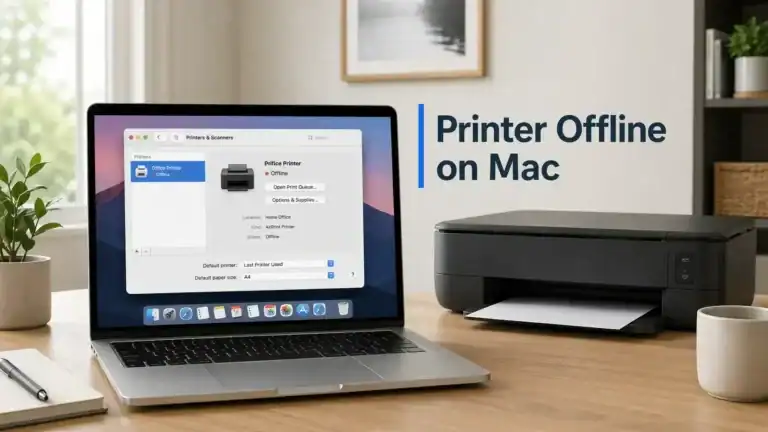
If you use a Mac, Apple’s Mac printing help can help you check whether the problem is with the printer setup, software, or connection.
If the printer itself shows a warning light or error code
The offline message may not be the main problem. In that case, check the printer display, the manual, or your manufacturer’s official support page for model-specific help.
The Main Thing to Remember
When your printer says offline, the message usually means your device cannot talk to the printer properly right now.
It does not automatically mean the printer is dead. It does not always mean the printer is disconnected. And it does not always mean you need a complicated repair.
The best way to interpret the message is to ask: Is this a power issue, a connection issue, a queue issue, a settings issue, or a device-specific issue?
That question will usually point you toward the right next troubleshooting path much faster than trying random fixes.
FAQ section
What does printer offline mean in simple terms?
It usually means your computer or phone cannot properly communicate with the printer right now, so it cannot send print jobs normally.
Does printer offline mean my printer is broken?
No. It can mean the printer is unavailable, disconnected, on the wrong network, blocked by settings, or affected by a queue or software issue. It does not automatically mean hardware failure.
Why does my printer say offline when it is turned on?
Because being powered on is only one part of printing. The printer can still show offline if your device cannot reach it correctly through Wi-Fi, USB, network settings, or the print queue.
Why does my printer say offline, but it is connected?
A connected printer can still appear offline if it is on the wrong network, if the queue is stuck, if the driver is not working properly, or if the computer is using the wrong saved printer entry.
Is a printer offline the same as a printer not printing?
No. Offline usually points to a communication or availability problem. Not printing is broader and can happen even when the printer is online.
Can a printer show offline on one computer but work on another?
Yes. That often means the issue is on one device only, such as printer settings, a stuck queue, or a local driver problem.
What should I check first when my printer shows offline?
Start with the basics: make sure the printer is on, check how it is connected, confirm it is on the same network if wireless, and see whether the problem affects one device or all devices.
When should I use a full printer offline fix guide?
Use a full fix guide when you already understand what the message means, and you are ready for step-by-step troubleshooting to bring the printer back online.
Short excerpt
Printer offline usually means your device cannot communicate with the printer properly. This guide explains what that status means, what it does not mean, and how to choose the right next troubleshooting path.